
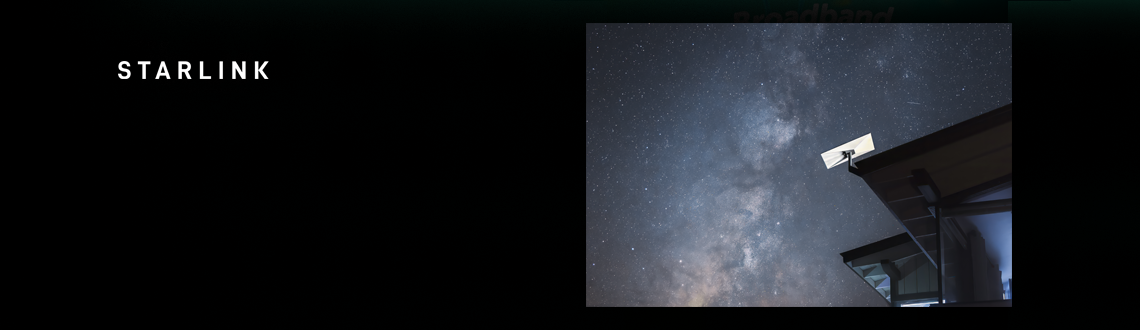
Starlink Broadband Deals
- Satellite broadband for remote homes
- Unlimited data on residential plans
- Self-installation with guidance from the Starlink app

Residential 100
- RESIDENTIAL 100
- Average speed: 100Mbps †
- 1 month contract
Reliable, affordable home internet service for seamless connectivity.
Residential 200
- RESIDENTIAL 200
- Average speed: 200Mbps †
- 1 month contract
Fast, reliable internet service for everyday home use.
Residential Max
- RESIDENTIAL Max
- Average speed: 400Mbps †
- 1 month contract
Our best performing home internet service with maximum speeds available.
Satellite broadband for hard-to-reach homes
Starlink delivers broadband by satellite, making it a useful option for households with limited access to fast fixed-line services. Its residential plans include unlimited data, with equipment designed for self-installation.

Pros
- An option for rural homes with limited broadband choice
- Unlimited data on residential plans
- No telephone line or fibre connection required
Cons
- Needs outdoor space with a clear view of the sky
- Service can fluctuate during bad weather or busy periods
- Mounting equipment and installation can add to the cost
Starlink Broadband | Our Review
Starlink specialises in satellite broadband, connecting homes through a dish rather than a telephone line or fibre cable. As such, its main appeal is in reaching households where fast broadband is difficult to come by - particularly in rural and remote locations.
A range of broadband options
Starlink’s residential range includes plans at several different speeds, alongside Residential Max, which offers the maximum speeds available at your location with no cap. All plans include unlimited data, although the choice of plans available to you will depend on your address.
Interestingly, Residential Max also receives the highest priority when the network is busy. That gives heavier users another reason to consider it beyond headline speed, particularly in households where several people regularly stream, download or work online.
Bear in mind though that the advertised caps aren’t a guarantee of actual connection speeds - performance will vary with demand and location, and connections can slow down at peak times.
Finding a home for the dish
Starlink is designed for self-installation, but the reality can be a little more complicated than just setting the dish outside.
As you might expect, getting a clear view of the sky is central to making Starlink work well. Trees, neighbouring buildings and even parts of your own roof can block the dish’s connection to passing satellites and cause interruptions.
Helpfully, the Starlink app includes a handy obstruction checker to help you assess the best location for your dish, before installation. It’s worth doing this even before you order, especially if your outdoor space is limited or surrounded by tall buildings.
It’s also worth noting that mounting your dish on the roof or on a wall may require additional accessories and professional assistance, so be sure to allow for these potential extra costs when weighing up your options.
Service reliability
Properly installing your dish can address any obstructions, but it can’t unfortunately remove every potential cause of service dropouts. Starlink says that, while its outdoor kit is designed to withstand the elements, snow, hail or even moderate to heavy rain could cause brief service interruptions.
That’s all to be expected when it comes to satellite broadband, but it’s worth bearing in mind if you depend on an uninterrupted connection for work, or anything else.
Wi-Fi throughout your home
The dish handles the satellite connection but, as with the majority of other providers, a router provides the WiFi indoors. Starlink’s standard kit includes a WiFi 6 router, and compatible mesh devices are available to buy if you need to extend coverage.
Is Starlink right for you?
Starlink becomes especially attractive in areas where conventional broadband options are limited. It offers a (mostly) reliable way to get connected - at decent speeds - without the need for a fibre network.
Great if you live in a remote or rural area, provided you can find a suitable place to install the dish. For households struggling with a slow connection, Starlink could make a substantial difference - although the variable performance deserves some serious consideration.
At the end of the day, Starlink offers a practical broadband option for places that historically have too few.
Broadband tips & guides
Check out a range of guides and articles about broadband.
 Ash Walker • 23 Oct 2026
Need to contact BT? We’ve got you covered.
Get in touch with the BT sales team on 0345 905 7582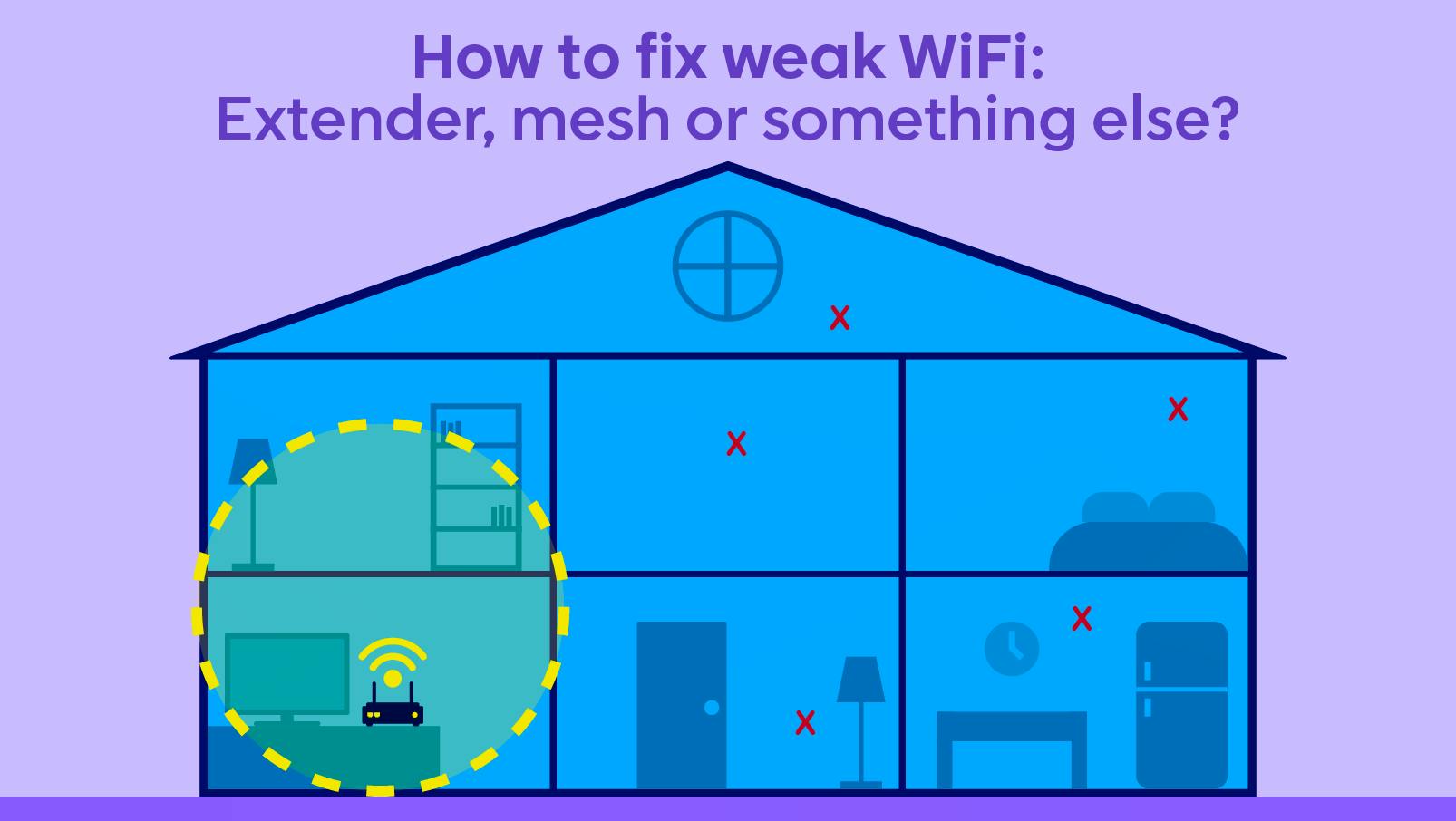 Jonathan Victoria • 16 Sep 2026
How to fix weak WiFi: Extender, mesh or something else?
Could either of these devices be the solution to your issues?
 Jonathan Victoria • 11 Aug 2026
Trooli contact numbers | How to get in touch
The phone numbers you need if you want to contact Trooli for your queries.